
Correspondence Checking
Check architecture against structure, however each side modelled it.
SiloLink compares what is physically there, not how it was split into objects.
Architecture · 3 objects
Structure · 2 objects
SiloLink · checked together
✓ MatchedThree possible results
Missing
Nothing in the other model sits in its place.
Unmatched
A counterpart is there, but it doesn't overlap enough.
Matched
Both models agree, however each side split it.
Fewer false alarms
Any type can match any other
A wall pier can match a column. SiloLink compares shared space, not IFC classes.
MissingSame type only: no wall found.
✓ MatchedCross-type: matched to the column.
Split elements are checked as one group
Touching pieces are grouped and compared together: 1:1, 1:N, N:1 or N:M.
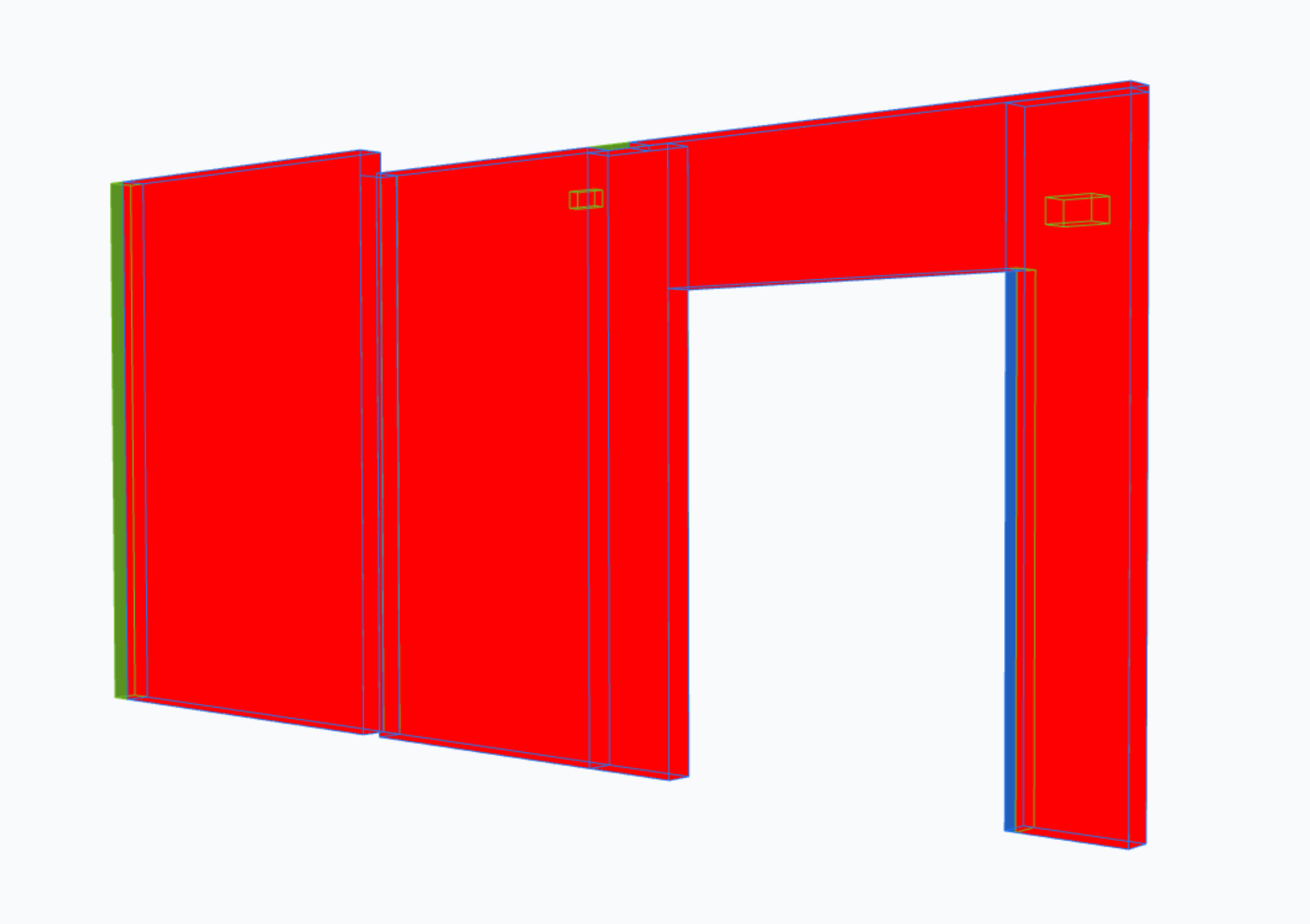
Close is not the same as matching
SiloLink measures the shared volume from both sides. Both must reach your threshold.
From two IFC models to BCF issues
Pick the models
Architecture, structure and the element types.
Run the check
In the cloud, grouped by type, storey or location.
Review in 3D
Confirm, reclassify or mark as irrelevant.
Create BCF issues
For Solibri, Revit or any BCF tool.

See it on your own models
Bring an architecture and a structure IFC. We run the check with you.
For BIM managers, BIM coordinators, VDC managers, and project managers